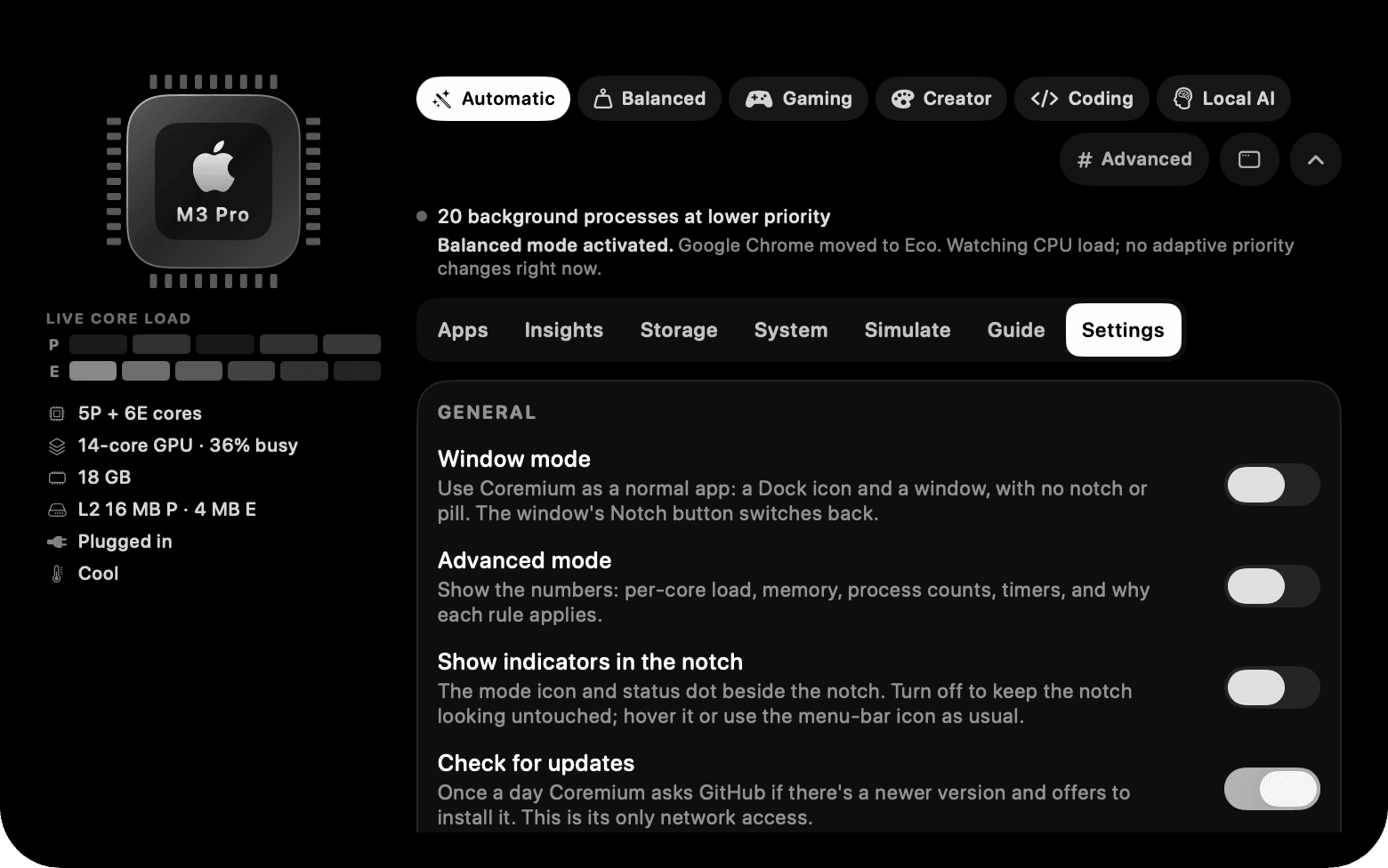
Give the app you're using more room to work.
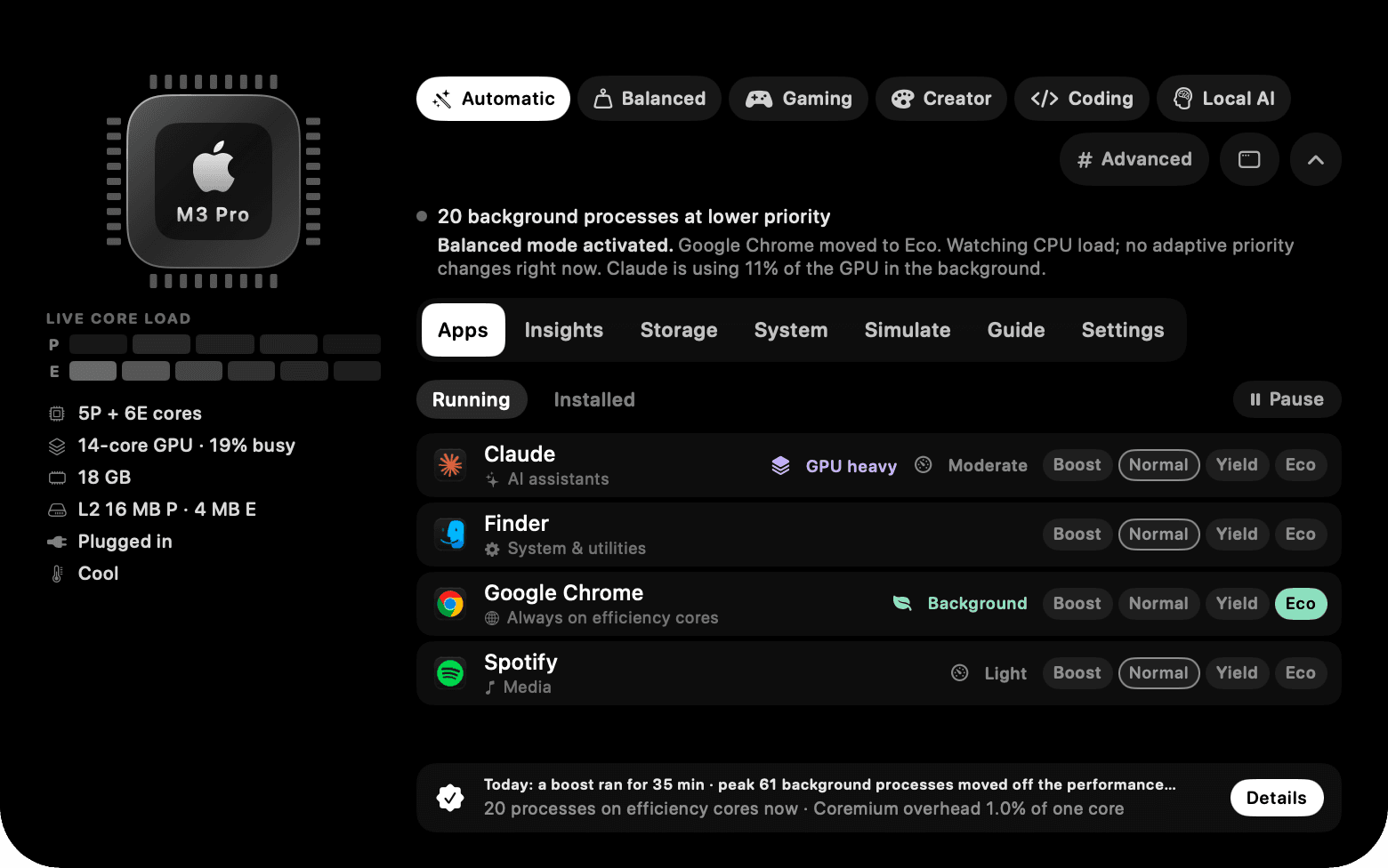
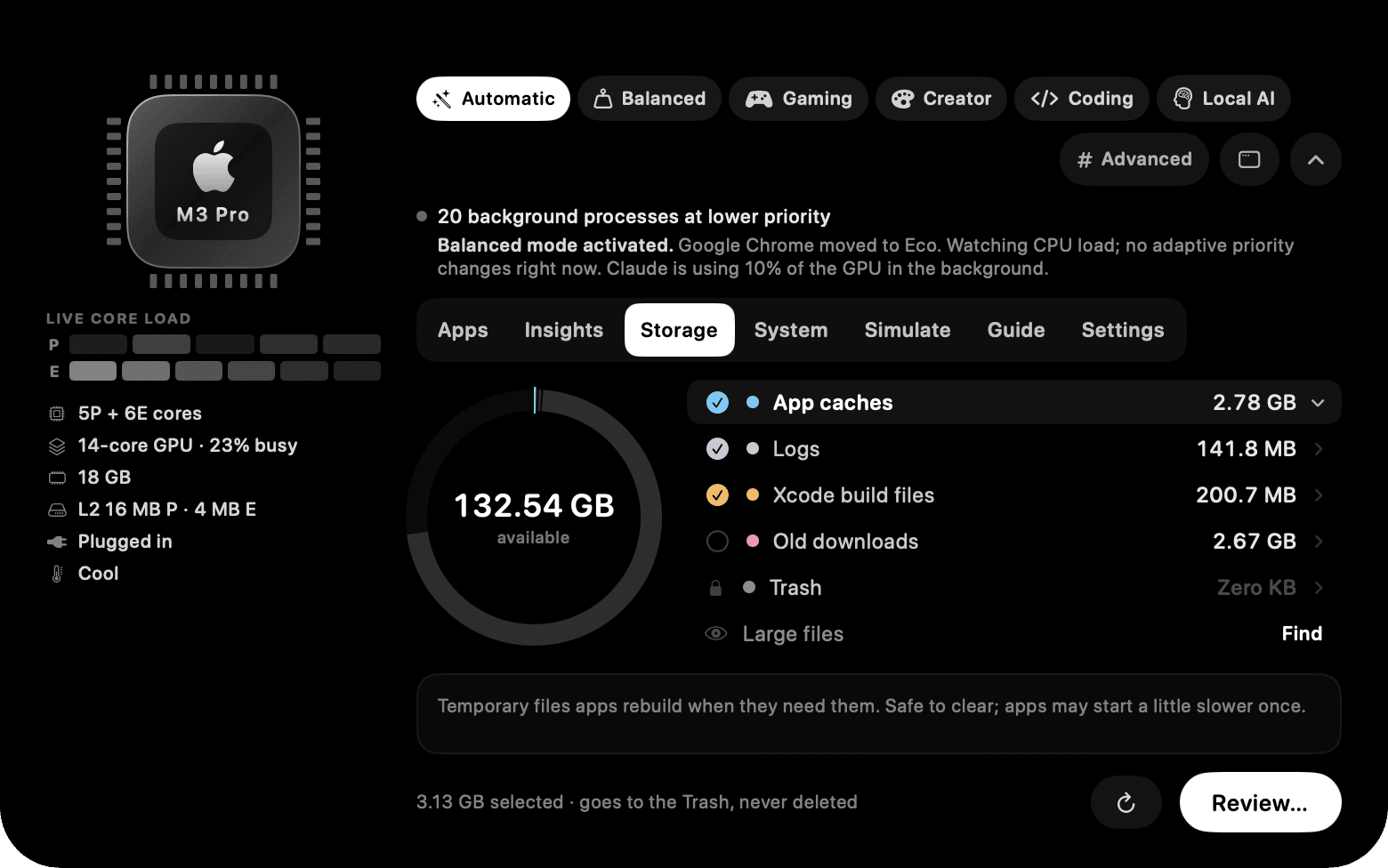
Coremium lives in your Mac's notch. While you play, create, code or run local AI, it lowers the priority of busy background apps. Nothing gets closed.
$ curl -fsSL https://raw.githubusercontent.com/Cubinghackerz/Coremium/master/scripts/install.sh | bashFree · Open source · No account · v2.0.3 · macOS 13+ · Apple Silicon & Intel
One choice per app
Every running app gets Boost, Normal, Yield or Eco. The line under the modes says what Coremium changed and why.
Background apps compete for the fast cores. Coremium moves them aside.
On Apple Silicon, lower priority tells macOS to prefer the efficiency cores for that work. On Intel, it lowers scheduling priority. The app you're using stays at normal priority, and macOS still decides where everything runs.
18 background processes at lower priority
Automatic chose Gaming: Minecraft is in front, so it's protected. Chrome, Discord and Dropbox step aside.
- Minecraft, the app in front
- Background apps
- Free time on that core
- Illustration of the idea, not a measurement. On a quiet Mac there may be nothing to move.
Four choices for every app. Yours always beat the mode.
Defaults come from what each app is, so most people never touch them. Try it: this is the Apps tab, with made-up apps and readings.
Minecraft
Games · 42%
Google Chrome
Browsers · 6%
Discord
Chat · 3%
Dropbox
Sync and backup · 1%
Illustration. Nothing here touches your Mac.
Boost
Minecraft is protected while you use it. Apps set to Yield step aside for it.
What Coremium says
Change a choice and the reason shows up here, as it does in the notch.
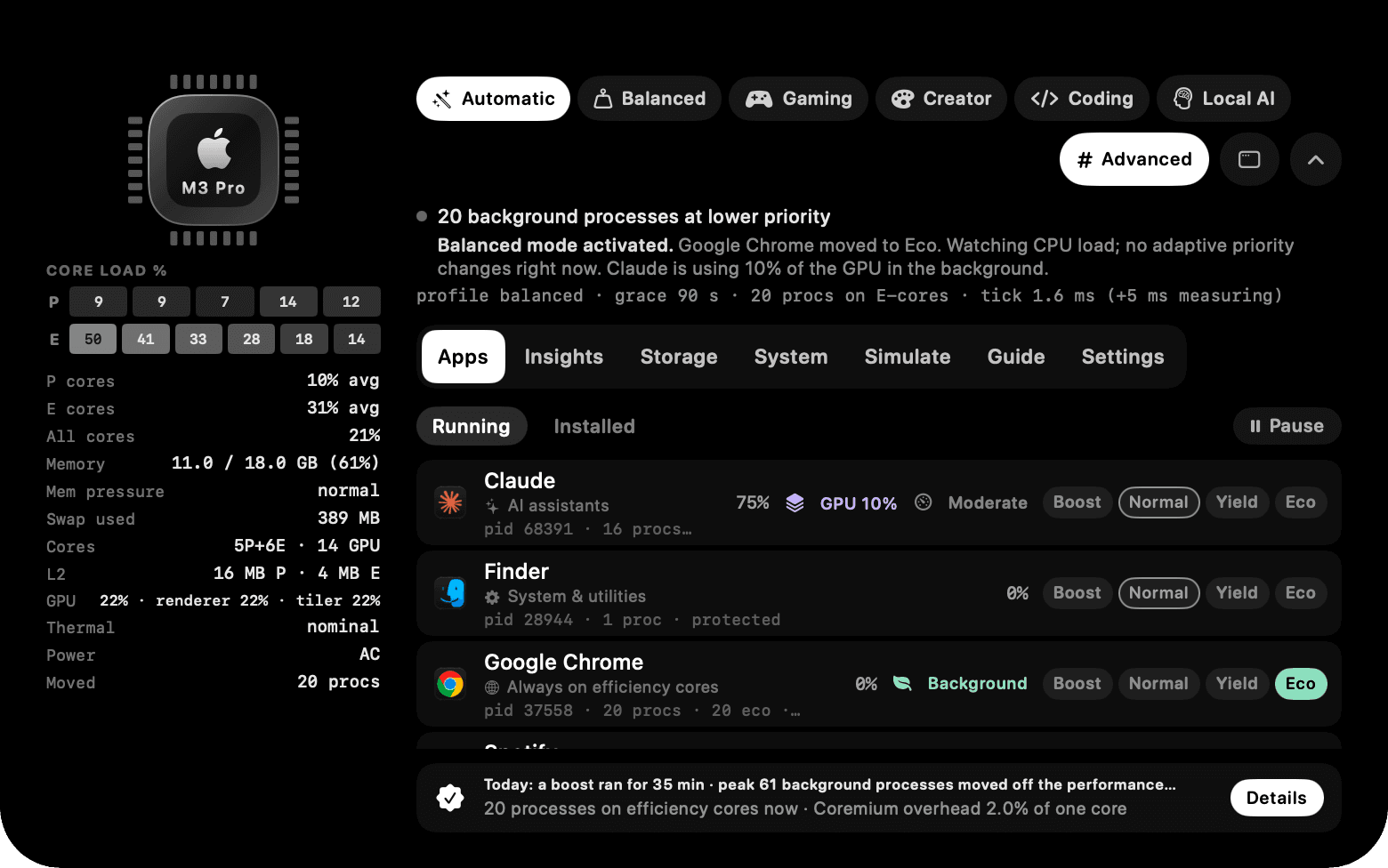
Want the numbers? Turn on Advanced.
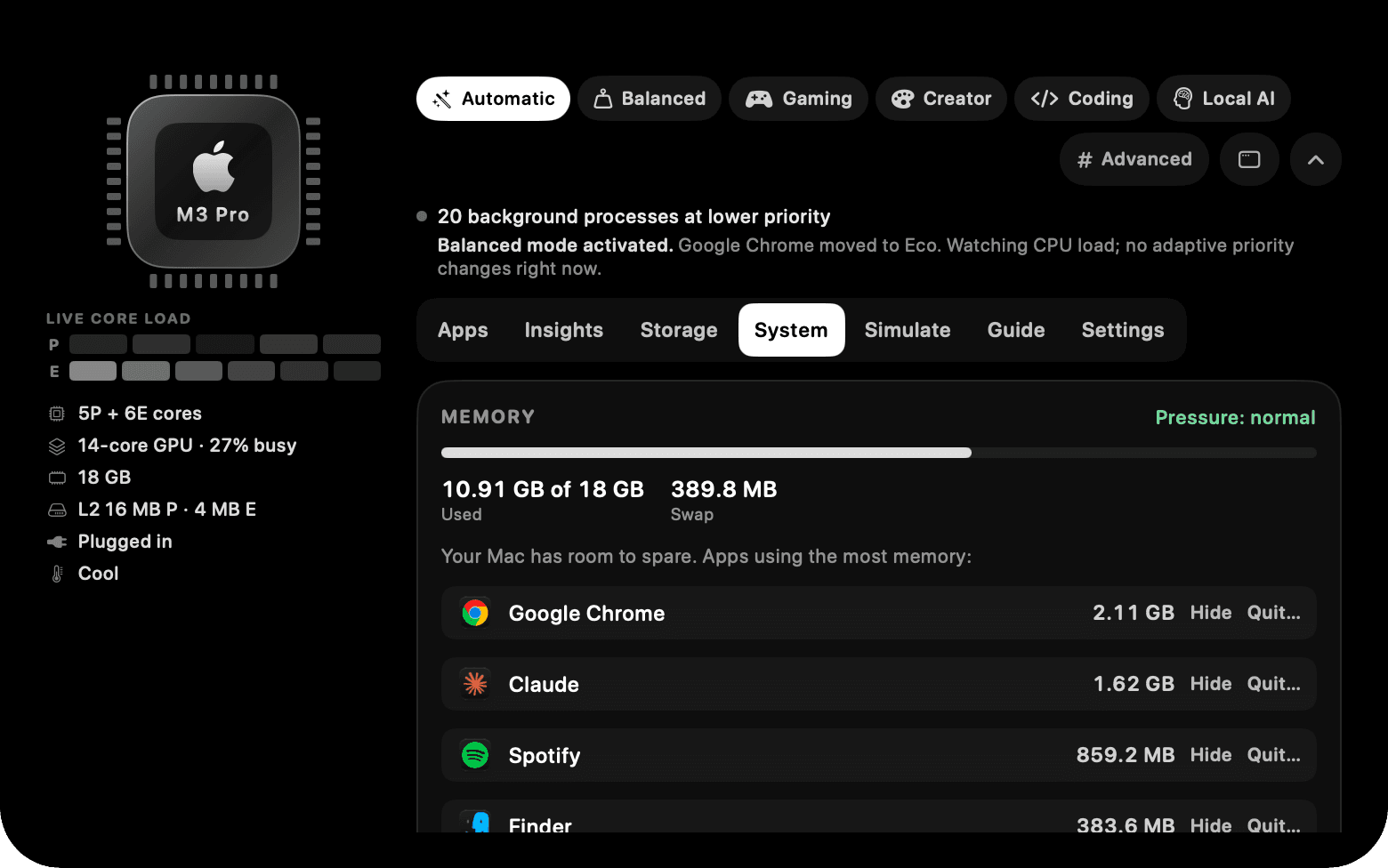
Every decision comes with the readings behind it: per-core load, memory pressure, swap, GPU and how many processes were moved.
- Refreshed every 2 seconds while the panel is open, and far less often when it's closed.
- Nothing leaves your Mac. No account, no telemetry.
- Coremium shows its own CPU use too, so you can judge the cost.
CORE LOAD %
- P cores
- 10% avg
- E cores
- 31% avg
- All cores
- 21%
- Memory
- 11.0 / 18.0 GB (61%)
- Mem pressure
- normal
- Swap used
- 389 MB
- Cores
- 5P+6E · 14 GPU
- L2
- 16 MB P · 4 MB E
- GPU
- 22% · renderer 22% · tiler 22%
- Thermal
- nominal
- Power
- AC
- Moved
- 20 procs
Simulated readings in the layout of the real Advanced panel. Your Mac shows its own.
Small, safe, and honest about what it does.
macOS has no public way to raise an app above normal priority, so Coremium clears the way instead. If your Mac isn't busy, there is little to move. It makes no claims about frame rates, battery life or temperature, because it can't measure them.
- Nevercloses an app on its own
- It only changes how macOS schedules them. Quit Coremium and everything is restored.
- Only yoursthe processes it touches
- Processes owned by your user. No root helper, no system processes.
- Once a dayit goes online
- To ask GitHub whether a newer version exists. No telemetry, no account. Turn it off in Settings.
- On screenits own cost
- Insights shows Coremium's own CPU use. It varies with your apps and whether the panel is open.
- FreeMIT license
- Read the source and build it yourself.
- macOS 13+Apple Silicon and Intel
- Tested on macOS 27 with an M3 Pro so far. A Windows 10 and 11 beta is also available.
One line. Then let Automatic take it from there.
No account, no sign-up, and nothing is sent anywhere except the download.
~ % curl -fsSL https://raw.githubusercontent.com/Cubinghackerz/Coremium/master/scripts/install.sh | bash
v2.0.3 · macOS 13+, Apple Silicon & Intel
What the installer does
- 1Finds the latest release on GitHub and downloads its zip.
- 2Checks the zip against the published SHA-256 checksum. If they differ, nothing is installed.
- 3Quits a running Coremium (which restores every app it moved), copies it to Applications and opens it.
Files fetched with curl aren't quarantined, so macOS doesn't block the first open. Coremium is ad-hoc signed and not notarized; if you download the zip yourself, the FAQ has the approval steps.
Prefer Homebrew?
$ brew install --cask cubinghackerz/tap/coremiumHomebrew can quarantine its download, and then macOS may block the first open. The one-line installer avoids that.
Questions, answered plainly.
Hover the letters. Drag one to see it move. Nothing here measures your Mac.